
What is ColorStacking?
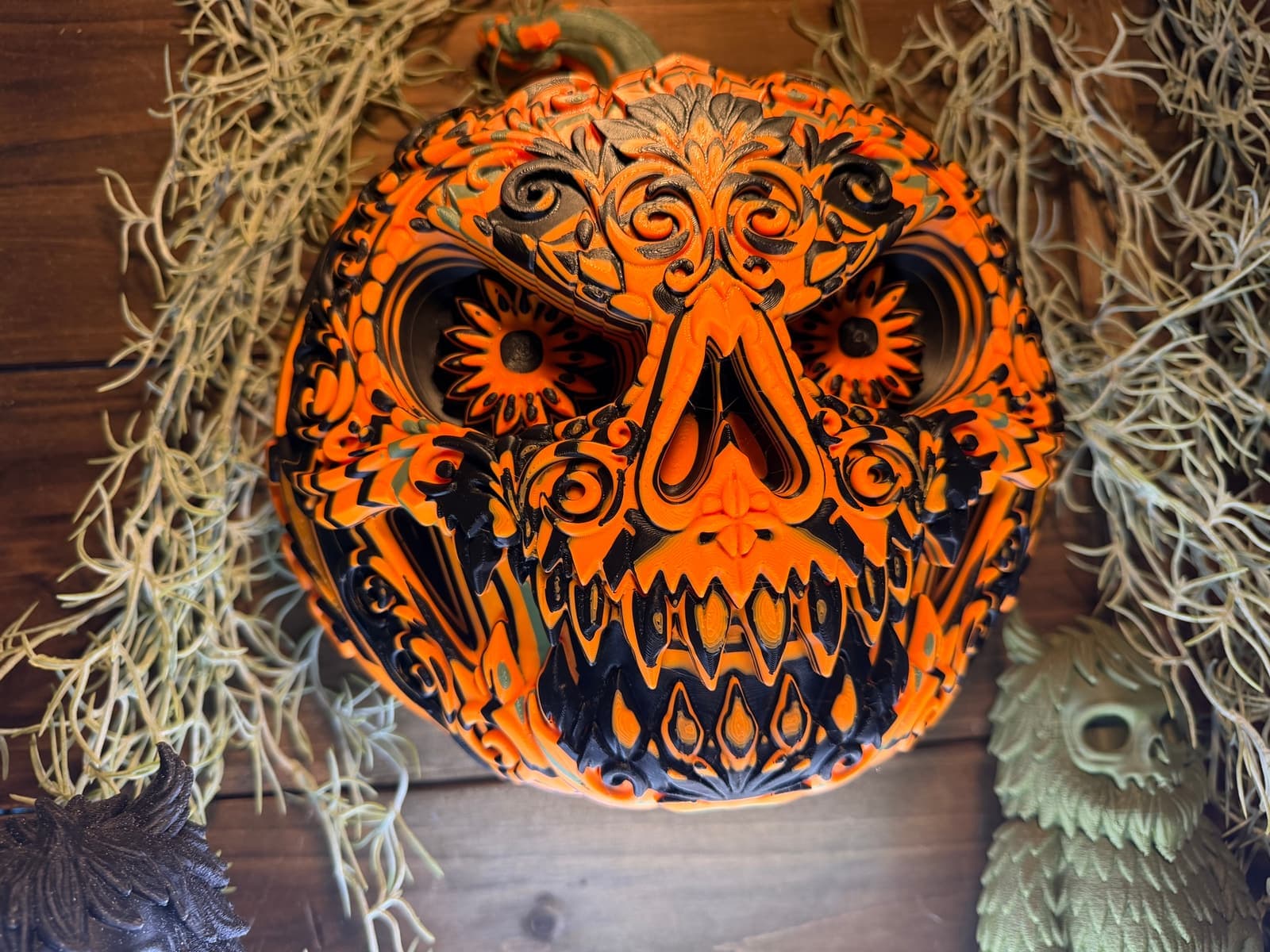
ColorStacking is a multi-color 3D printing technique that produces vivid, tattoo-inspired art with no paint, no post-processing, and no brushwork. Created by Unicorn Graveyard, it's the signature technique behind the majority of the collection — born from a happy accident with a Jason mask that turned into something much bigger.
How It Works
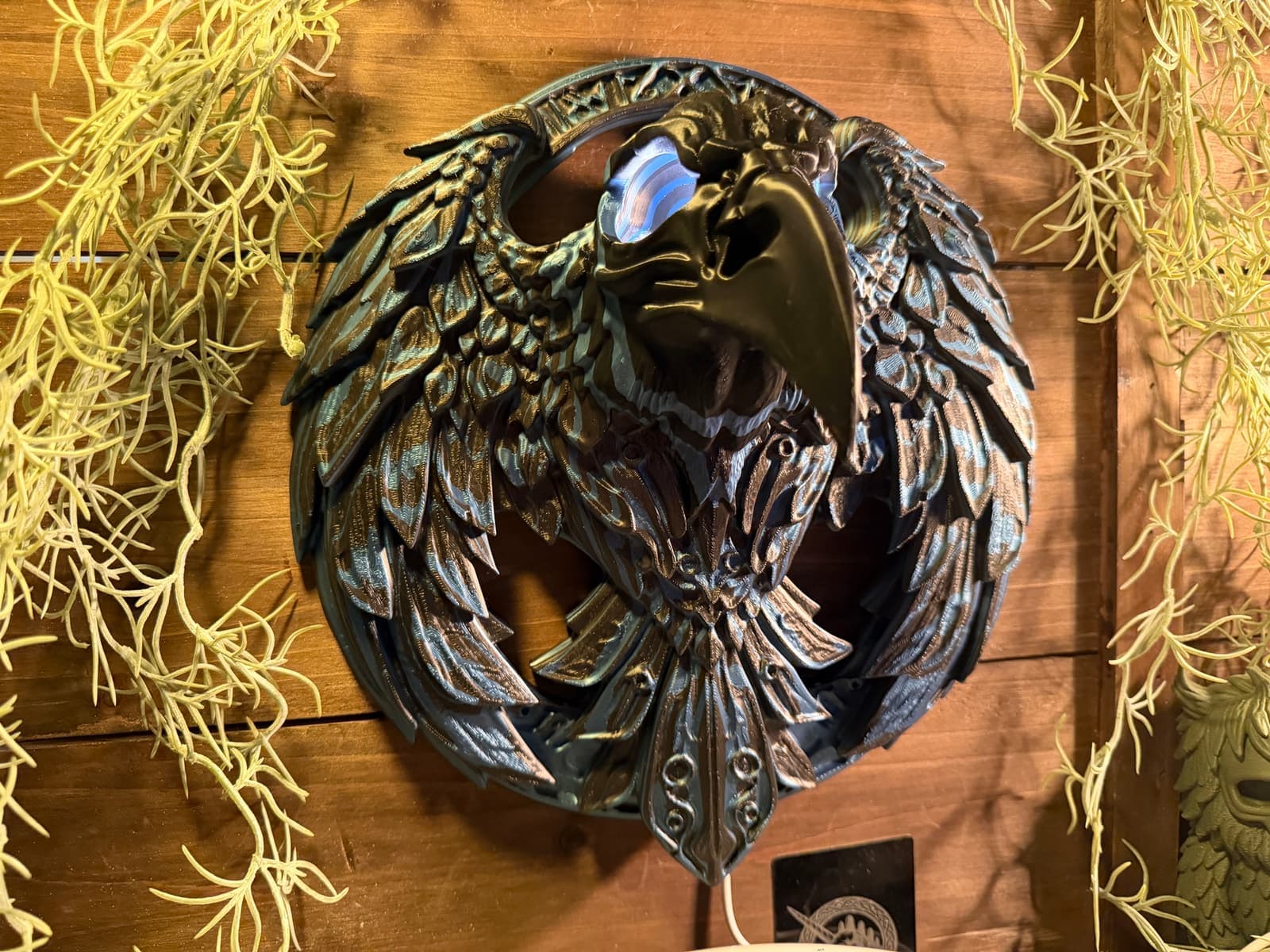
ColorStacking works by assigning different filament colors to specific height ranges across a model's surface. The geometry of the model — its ridges, grooves, and varying depths — determines where each color appears. Raised features reveal the top color while recessed areas expose layers beneath, creating natural contrast and shadow through the print itself.
The process starts with a focal point. Eyes, teeth, horns, a nose — whatever should draw the eye first. From that anchor, color bands radiate outward in concentric rings, moving up and down the Z-axis to follow the surface. The result is topographic: steep areas produce tight, thin color bands while flat surfaces get wider, thicker bands. It's like painting with elevation.
There are two ways to set up a ColorStack. The primary method uses the paint tool in Bambu Studio — painting color zones by height across the model. This is the preferred approach because it keeps things flexible: anyone printing the model can erase the suggested colors and create their own blend. The second method is hard-cutting the geometry into separate parts, each assigned a different filament. This produces cleaner horizontal color lines, but it's more permanent and takes away the easy customization that makes ColorStacking accessible.
What Makes It Different
ColorStacking shares some DNA with techniques like HueForge and filament painting, but it pushes into different territory. HueForge predicts how colors blend through thin filament layers using Transmission Distance. It supports filament painting as well as backlit lithophanes. Painting faces in a slicer is another way to assign color directly to the surface of a model.
ColorStacking is sculptural. The depth and detail are carved into the geometry itself, and the color placement follows that geometry topographically. The same model printed in completely different color combos will look like a different piece of art each time — because the stacking responds to the surface, not a fixed image. The design intent lives in the model's shape, and the colors are the medium you interpret it through.
Design Principles
Every ColorStacked model is designed around a few core goals that go beyond just looking good.
Yours to customize
Prepared ColorStacked projects include a suggested color setup where supplied, but it's a starting point. You can remap loaded filament and, when the project supports it, repaint color zones. The best part of releasing these is seeing people take a design and run with it in directions that were never planned. A bear skull in earth tones. The same bear skull in neon psychedelic. Both right.
Minimal supports, maximum printability
Reducing supports is a design goal where the geometry allows it. Supports can leave marks, add waste, and complicate multi-color printing. Check the supplied profile and sliced preview for the selected model instead of assuming a support-free print.
Low waste, fast prints
Low waste and shorter print times are design goals. Whole-layer swaps can reduce color changes; painted profiles may use multiple colors within a layer. Check the sliced preview for your selected profile to see print time, color changes, and purge material.
Choosing Colors
There's no single formula — the right palette depends on the subject and the mood you want. But there are patterns that consistently work.
Want to skip the guesswork? Patron models come pre-ColorStacked and ready to print — just pick your filament colors and hit start. See what's in the vault →
Print Settings
ColorStacking doesn't require exotic settings. These are the general starting points for decorative ColorStacked pieces. Follow the specific model profile when it differs.
Layer Height
0.16mm. Balances detail with print speed. No adaptive layer height — it adds too much time without meaningful benefit for ColorStacking.
Infill
5% gyroid. These are decorative wall pieces, not structural — minimal infill keeps prints fast and light.
Speed
Optimized / standard Bambu speed settings. No reason to slow down — the technique doesn't benefit from reduced speed.
Nozzle
Standard 0.4mm. Nothing exotic needed.
Material
PLA. Predictable, available everywhere, holds detail well. PETG works too.
Supports
Minimal to none. Models are designed with overhangs under 30° so they print clean without support material.
What Printers Work?
- •Optimized for Bambu Lab printers with AMS on a 250mm plate or larger — any Bambu except the A1 mini. Load the filaments, start the print, done
- •Check the selected profile for your printer and color system. Manual swaps suit some whole-layer profiles; painted profiles may need multiple filament changes within each layer.
- •The paint tool method means you can adjust colors in Bambu Studio before printing — no need to commit to the suggested palette
Gallery
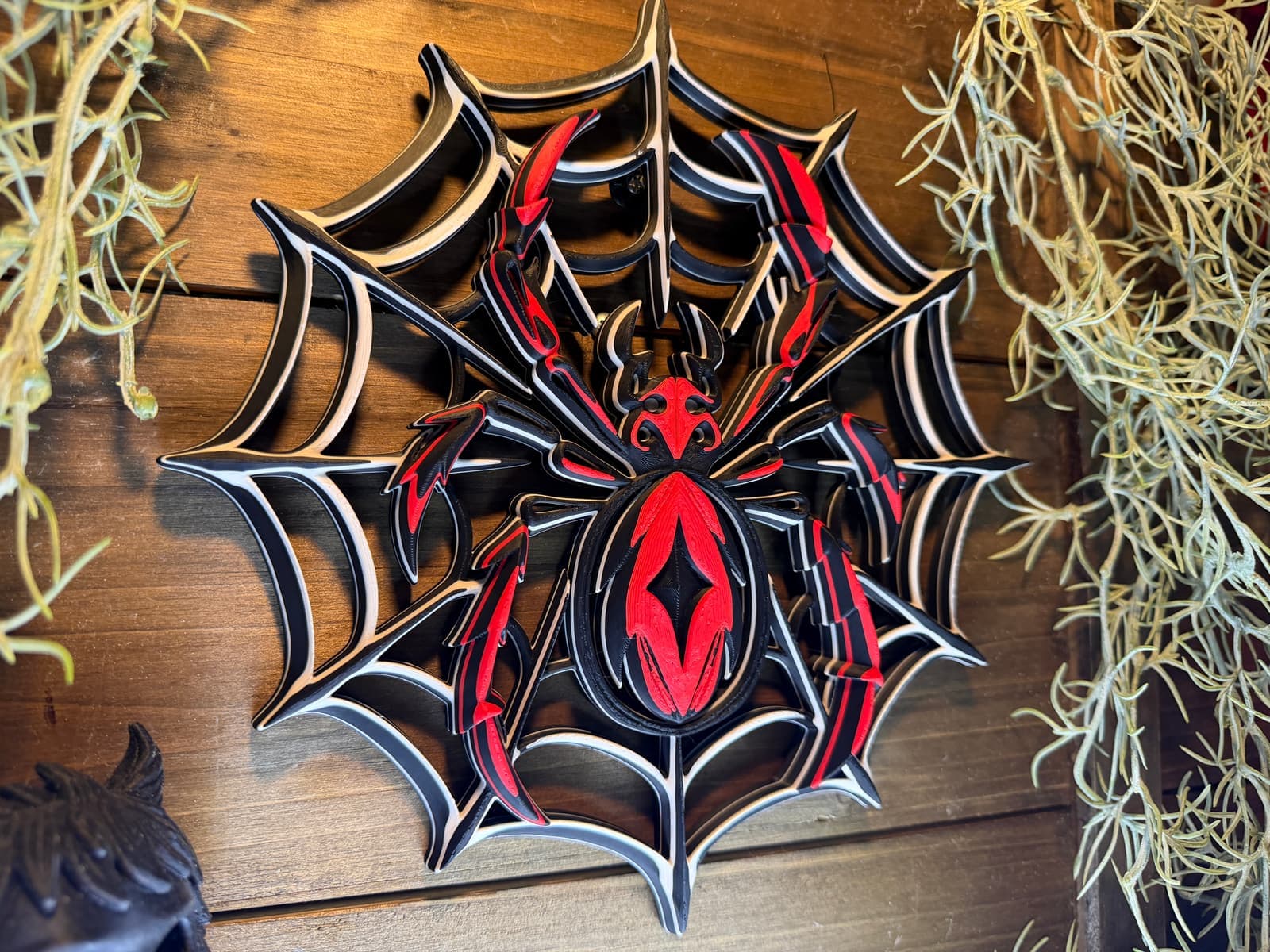
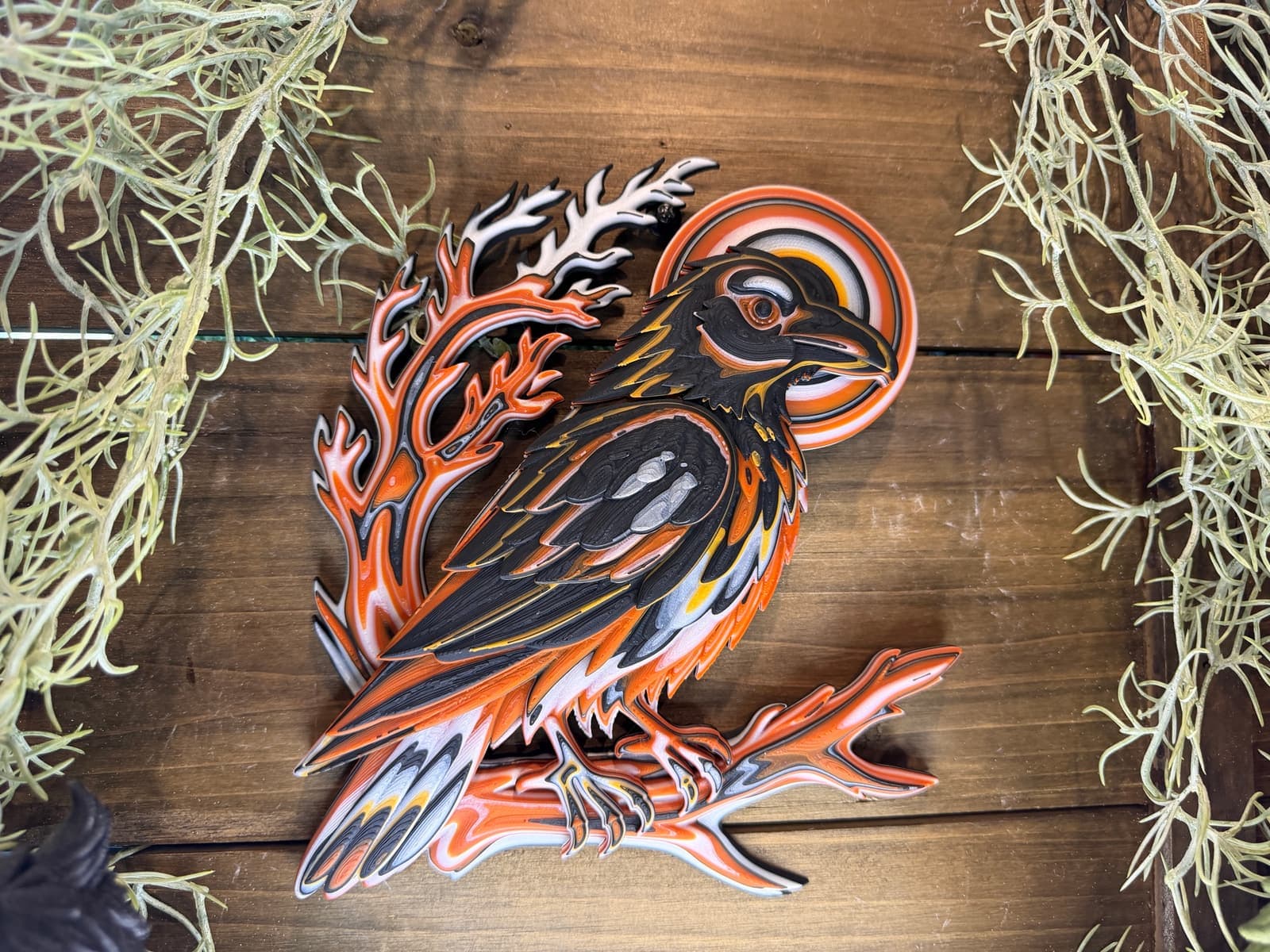
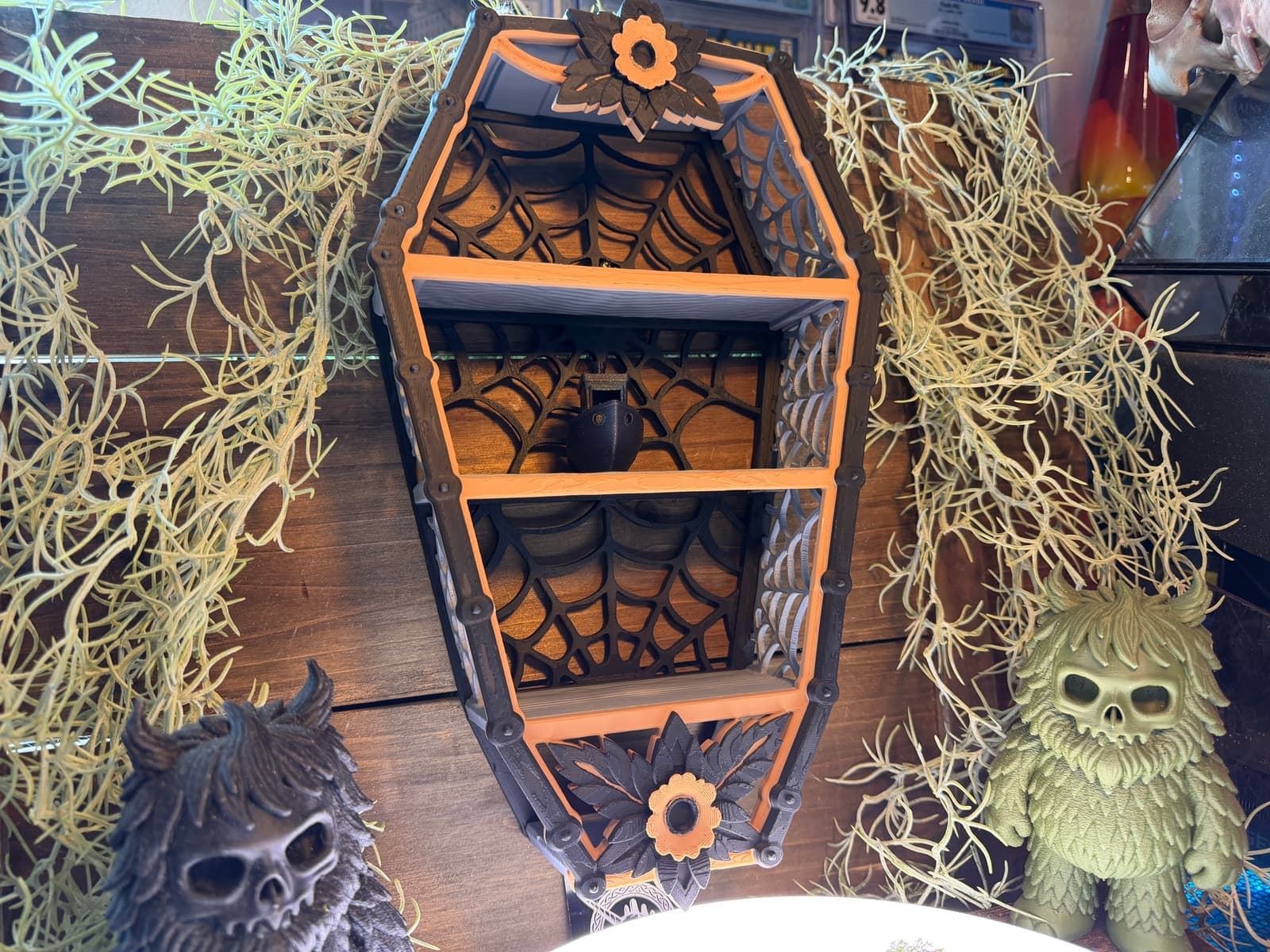
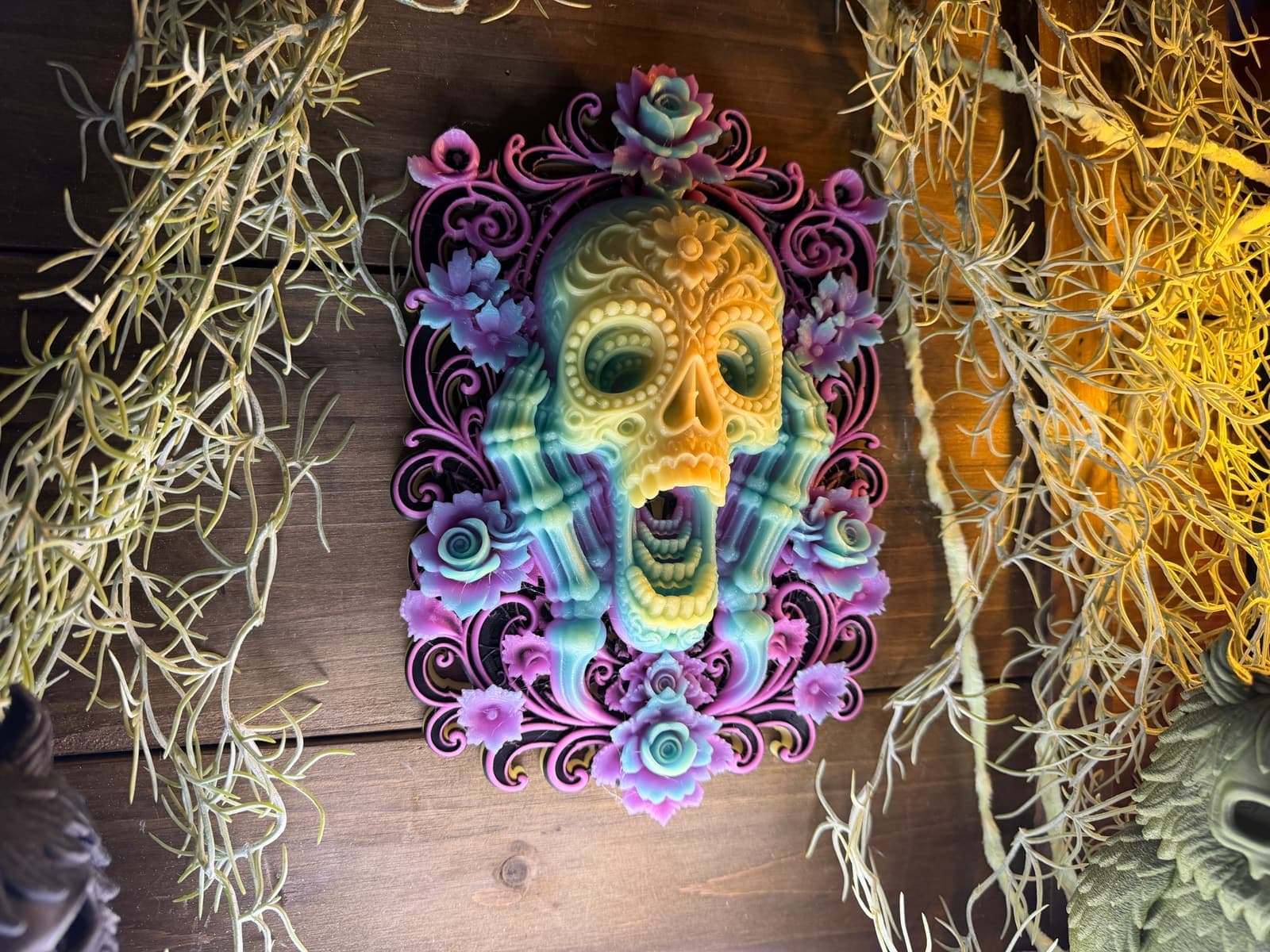
Try It Yourself
Every Unicorn Graveyard model on MakerWorld is free for personal use. Grab one, load the filaments, and see the technique in action — or design your own patterns in The Forge.